I didn’t realize how important digital safety tips for kids and parents were until screens became part of our everyday routine. Between school apps, games, and YouTube, it felt like my home quietly turned into a digital playground overnight.
What changed everything wasn’t stricter rules. It was creating simple habits that made my kids feel safe talking to me. That shift made digital safety feel less like control and more like teamwork.
Why Do Digital Safety Tips for Kids and Parents Matter More Than Ever?
Kids don’t just use the internet anymore. They live part of their lives there. From chatting in games to posting on social media, their digital world feels just as real as their offline one.
That’s exactly why I stopped thinking of safety as blocking websites. I started seeing it as teaching life skills. Just like crossing the road, kids need guidance to navigate online spaces confidently.
I also noticed something important. When I focused only on rules, my kids became quieter. When I focused on conversations, they opened up. That one shift made everything easier.
How Do I Set Up a Safe Digital Environment at Home?

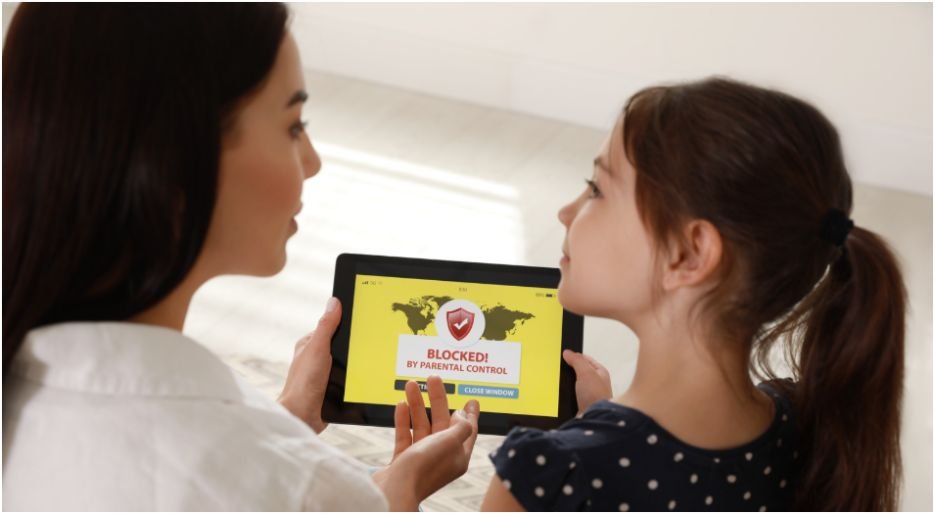
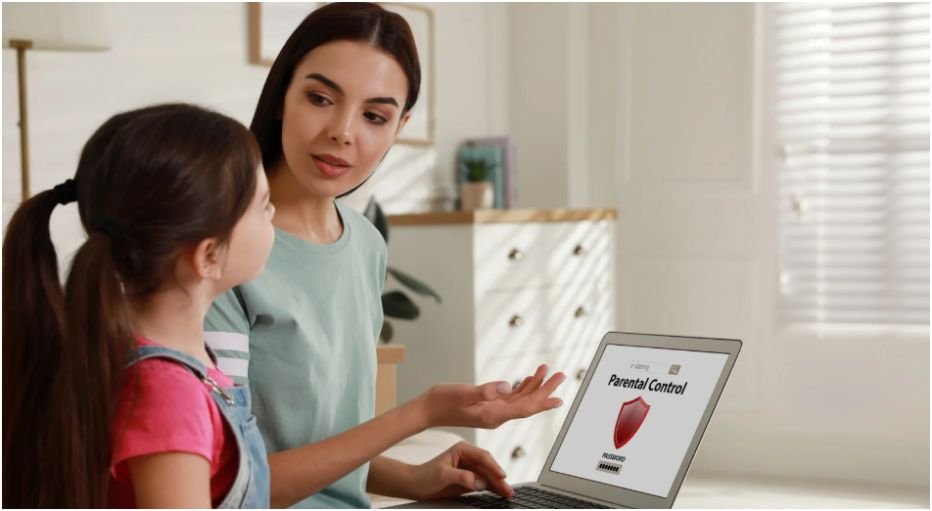
I started with the basics. I used built-in tools like Apple Screen Time and Google Family Link to set screen limits and filter content. These tools gave me structure without constant reminders.
Then I moved all devices into shared spaces. That small change made a big difference. My kids naturally became more mindful because screens were no longer hidden behind closed doors.
I also made one rule for myself. No phones during meals. It felt small, but it showed my kids what balance looks like. If you’re building routines, I’ve found that pairing this with bold habits from my smart parenting tools for modern families guide makes consistency much easier.
What Rules Should Kids Actually Follow Online?
Instead of overwhelming my kids with long rules, I kept things simple. We created what we call our “internet code.” It’s easy to remember and actually sticks.
The first rule is privacy. They never share personal details like their real name, school, or address. Even in games, they use fun usernames instead of real identities.
The second rule is awareness. Before posting anything, they ask themselves if they would be okay seeing it in public. That one question has stopped many impulsive posts.
The third rule is kindness. If they wouldn’t say something face-to-face, they don’t say it online. This rule shapes how they interact more than anything else.
Which Parental Control Apps Actually Help Without Feeling Creepy?

I tested a few tools before finding what worked. Some felt too invasive. Others didn’t do enough. The goal for me was balance, not surveillance.
Aura
Apps like Aura stood out because they focus on habits instead of spying. It helped me understand patterns without reading every message.
Bark
For social media, Bark felt more respectful. It sends alerts when something seems off instead of giving full access to private chats.
Qustodio
And when my kids started going out more, Qustodio gave me peace of mind with location tracking and a panic alert feature.
Here’s how I think about it:
| App | What It Helps With | Why I Like It |
| Aura | Overall habits | Feels balanced, not invasive |
| Bark | Social media safety | Alerts instead of spying |
| Qustodio | Location tracking | Real-time safety reassurance |
| Norton Family | Study time | Keeps homework distraction-free |
How Do I Know If Something Is Wrong Online?
I learned to watch behavior, not just screens. Kids don’t always say what’s wrong, but their actions often do.
If my child suddenly hides their screen, avoids their device, or seems upset after being online, I take it seriously. These small signals often point to something bigger.
Instead of reacting quickly, I start with a calm question. “Did something weird happen online?” That simple line keeps the door open without making them defensive.
How-To Build a Daily Routine Using Digital Safety Tips for Kids and Parents

Step one starts in the morning. I set clear expectations for screen use before the day begins. My kids know when they can use devices and when they need to focus on school or other activities.
Step two happens during the day. I keep devices in shared spaces and check in casually. I don’t hover, but I stay aware. That balance helps my kids feel trusted while still guided.
Step three comes in the evening. We unplug during meals and before bedtime. This creates a natural break from screens and helps everyone reset.
Step four is the most important. I talk with my kids regularly about their online experiences. Not lectures. Just real conversations. If you want to go deeper into this, I shared more strategies in my AI storytelling apps for kids that boost creativity safely post, which ties creativity with safe tech use.
What Are the Non-Negotiable Safety Rules Every Family Should Have?
Some rules in my house are not flexible. These are about safety, not preference.
My kids know they should never meet someone from the internet without telling me. No exceptions. Online identities can be misleading, and I take that seriously.
They also know how to block and report anyone who makes them uncomfortable. I’ve shown them how to do it, not just told them.
And before downloading anything, they always ask. That one habit has saved us from viruses and sketchy apps more than once.
So, What Actually Works Without Losing Your Sanity?
Here’s the honest truth. Perfect control doesn’t exist. And chasing it will only exhaust you.
What works is consistency. Small habits. Open conversations. And tools that support your parenting instead of replacing it.
I’ve found that when my kids trust me, they come to me first. And that matters more than any app or setting.
Key Takeaways
Digital safety becomes easier when you focus on habits, not just rules.
Start with built-in tools, then add apps only if needed.
Keep devices in shared spaces to naturally guide behavior.
Teach simple rules kids can remember and apply daily.
Most importantly, build trust so your child feels safe talking to you.
FAQs
1. How early should I start teaching digital safety to my kids?
I started as soon as my kids began using tablets. Even simple rules like not sharing names or clicking unknown links can be taught early and reinforced over time.
2. Are parental control apps enough to keep kids safe?
Apps help, but they don’t replace communication. I use them as support tools, not solutions. Conversations and trust matter far more in the long run.
3. How much screen time is too much?
It depends on your child’s age and routine. I focus less on strict limits and more on balance. If screens replace sleep, school, or play, it’s time to adjust.
4. What should I do if my child faces cyberbullying?
Stay calm first. I listen without interrupting, then help them block and report the person. Most importantly, I remind them they’re not alone in handling it.