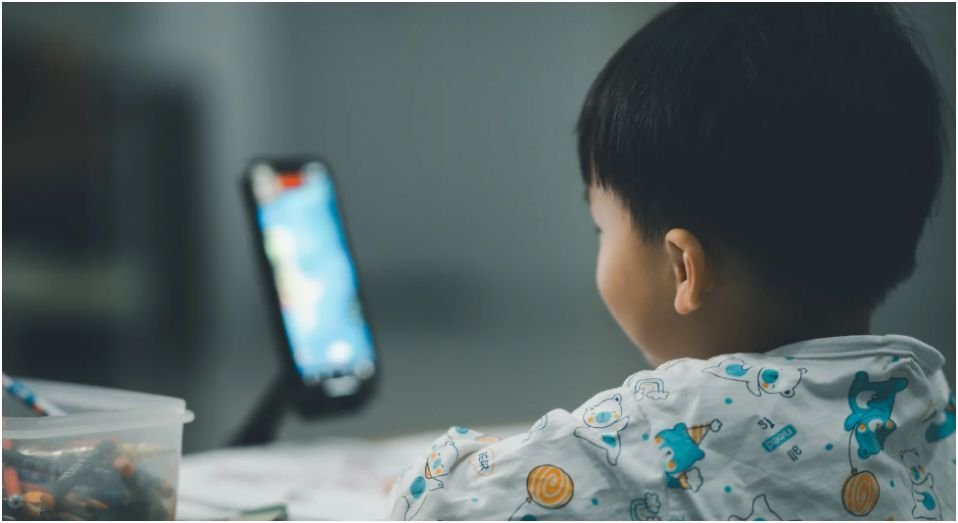

I didn’t realize how quickly screen time was taking over my home until I noticed something simple. Conversations got shorter, bedtime got harder, and “just five more minutes” turned into an hour.
That’s when I started figuring out how to monitor kids screen time effectively without turning into the “always nagging” parent. What worked for me wasn’t strict rules alone. It was building a routine that actually fits real life.
If you’re trying to create balance without constant battles, here’s exactly what made a difference in my day-to-day routine.
Why Does Screen Time Feel So Hard To Control?
At first, I thought I just needed stricter rules. But the real issue wasn’t the time. It was how screens quietly replaced other parts of our routine.
Screens are everywhere. Homework happens on them, entertainment lives on them, and even social time happens through them. So when you try to cut back, it feels like you’re taking everything away at once.
What changed things for me was shifting my focus. Instead of asking “how many hours,” I started asking “what is this replacing?” That simple shift helped me build smarter habits instead of constant restrictions.
What Are Realistic Screen Time Limits By Age?

I used to guess what felt “right,” but having clear guidelines made things easier. It removed the constant decision-making and gave structure to our routine.
Here’s a simple breakdown that worked for me:
| Age Group | Practical Screen Limit | What I Focus On |
| Under 2 | Rare use (video calls only) | Connection over content |
| 2–5 years | Up to 1 hour daily | Educational, interactive content |
| 6+ years | Flexible, routine-based | Balance with sleep and activity |
For older kids, I stopped counting every minute. Instead, I made sure they still got enough sleep, physical activity, and offline time.
That balance mattered more than the exact number.
How Do I Use Devices To Monitor Screen Time Without Stress?
This part surprised me. I didn’t need extra apps at first. The tools were already on our devices.
On Apple devices, I use Screen Time to see exactly where time goes. I can set app limits and schedule downtime without arguments. It feels structured, not controlling.
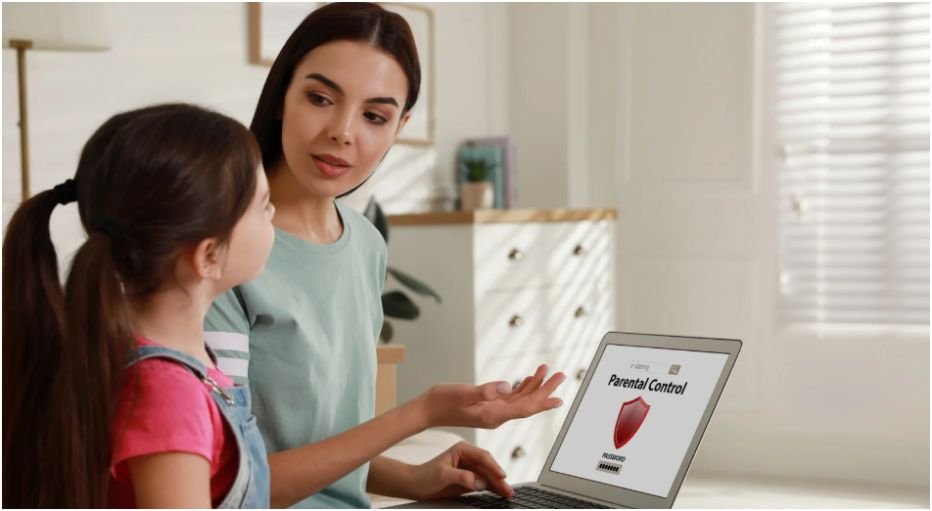
On Android, Google Family Link gives similar control. I can approve apps, set limits, and even lock devices remotely. That one feature alone saved me during homework time.
What really helped wasn’t just tracking usage. It was making the rules automatic. When the device shuts off on its own, I don’t have to be the bad guy.
What Boundaries Actually Work In Daily Life?

I tried complicated rules before. They never lasted. The simple ones stuck.
The biggest win was removing screens from bedrooms. Sleep improved almost immediately. No late-night scrolling, no hidden usage.
Meal times became device-free too. At first, it felt awkward. Then it turned into actual conversation again, which I didn’t expect.
I also set a nightly cutoff. About 45 minutes before bed, all screens go off. That small habit made bedtime calmer and way less stressful.
How Do I Get Kids To Follow The Rules Without Fighting?
This was the hardest part. Rules alone didn’t work until I changed how I introduced them.
Instead of announcing rules, I sat down and created them together. When kids help decide limits, they feel ownership. That changed everything for me.
I also had to look at my own habits. If I stayed glued to my phone, I couldn’t expect anything different. Once I adjusted my behavior, theirs followed naturally.
And one thing made a huge difference. I gave them alternatives. Board games, outdoor time, simple creative activities. When screens disappeared, something else had to fill the space.
How To Monitor Kids Screen Time Effectively Step By Step

I built a simple routine that I follow every week. Nothing complicated, just consistent.
First, I check screen usage reports. I don’t judge. I just observe patterns. This helps me understand what needs adjusting.
Next, I adjust limits based on what I see. If gaming time increases, I balance it with outdoor activities. If educational use rises, I allow flexibility.
Then I reinforce physical boundaries. Devices stay out of bedrooms. Charging stations stay in common areas.
After that, I reset expectations through quick conversations. I keep it casual. No lectures, just reminders.
Finally, I stay consistent. That’s the real secret. The routine matters more than perfection.
What Health Rules Should I Include In Daily Screen Habits?
Once I focused on health, everything became easier to manage.
The 20-20-20 rule became a daily habit. Every 20 minutes, we look away from screens for 20 seconds at something far away. It sounds simple, but it reduces eye strain quickly.
I also follow a version of the 3-6-9-12 rule. No screens too early, no gaming too young, and no social media too soon to keep kids safe online. It gives structure across different stages.
These aren’t strict rules in my house. They act more like guidelines that shape our daily rhythm.
What Are The Key Takeaways That Actually Work?
The biggest lesson I learned is that balance beats restriction.
I stopped trying to control every minute. Instead, I focused on routines, habits, and consistency.
Screens aren’t the enemy. The real goal is making sure they don’t replace sleep, movement, or connection.
When I kept that in mind, everything felt easier to manage.
FAQs About How To Monitor Kids Screen Time Effectively
1. How do I start if my child already has too much screen time?
Start small. Reduce time gradually instead of cutting everything at once. Replace screen habits with engaging activities so the transition feels natural, not forced.
2. Are parental control apps really necessary?
Not always. Built-in tools work well for most families. Apps help if you manage multiple devices or want extra control, but simple routines matter more.
3. How do I stop screen time arguments daily?
Make rules automatic using device settings. When limits come from the device, it removes emotional conflict and reduces daily arguments.
4. Can educational screen time replace limits?
It helps, but balance still matters. Even educational content should not replace sleep, physical activity, or real-world interaction.
Screens Don’t Need To Win—You Just Need A Better System
I used to think I needed perfect rules to fix screen time. I was wrong. I needed a system that actually fits everyday life.
Once I focused on habits instead of control, everything changed. Less stress, fewer arguments, and more real connection.
If there’s one thing I’d tell you, it’s this. Start simple, stay consistent, and adjust as you go. That’s how to monitor kids screen time effectively becomes something you actually stick with.