
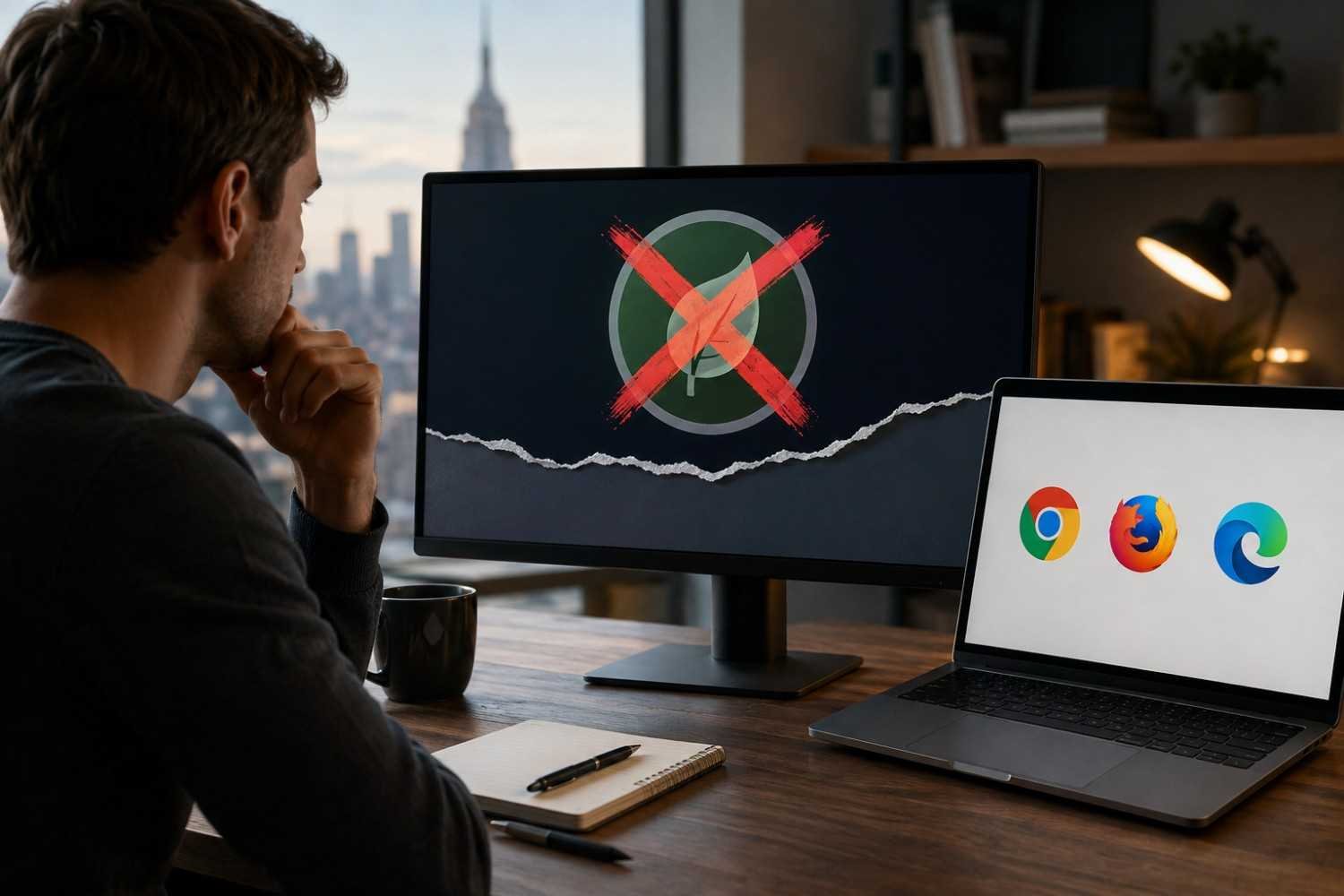
I first came across Leaf Browser because its approach to tabs felt unusually different from the crowded browser layouts I was used to. Instead of treating every open page as another small tab along the top, it leaned into a more organized, tree-like structure. That sounded practical, especially for research sessions where a dozen tabs can quickly become a mess.
I also noticed something less appealing when I looked at the project today: Leaf Browser is no longer an active piece of browser software. Its original repository is archived, which changes the question completely. Rather than asking how to get an old installation running, it makes more sense to understand what happened and find a maintained browser that covers the parts of Leaf that were genuinely useful.
What Was Leaf Browser?
Leaf Browser was an experimental browser interface built as a Google Chrome app using webview tags. Its standout idea was a tree structure for managing tabs. Users could organize pages hierarchically, rename tabs, pin important tabs, and avoid loading every tab at once.
That design addressed a real problem. Traditional browser tabs work well when you have five or six pages open. Once a browsing session becomes a research project, though, the horizontal tab strip starts losing context. A tree can show relationships between pages, making it easier to understand which tabs belong to the same task.
What Happened to Leaf Browser?
The original Leaf Browser repository was archived by its owner on April 27, 2019, and it is now read-only. The project description itself calls the software experimental and says it was in a very early stage. That history matters because an archived browser interface is not equivalent to a maintained modern browser.
There was another problem built into its original technology. Leaf was designed as a Chrome app, and that platform has since been phased out. Chrome’s published timeline extended Chrome app support on ChromeOS until at least January 2025, while developers were encouraged to move toward web applications and Progressive Web Apps.
So, if you search for Leaf Browser today and find an old download, treat it as legacy software rather than a current browsing solution. A working installer does not mean the underlying browser engine, security protections, or compatibility have kept pace with the modern web.
Can You Still Use Leaf Browser?
Technically, old software can sometimes be preserved through archived files, forks, or compatible environments. Practically, that is a poor basis for everyday browsing when security and reliability matter.
Modern browsers receive fixes for newly discovered vulnerabilities, changes in web standards, certificate requirements, and compatibility problems. An abandoned browser does not have the same maintenance cycle. Community forks can be interesting projects, but downloading an unofficial build also requires confidence in its source, code, update process, and distribution method.
That is why a replacement should be judged on more than whether it looks like Leaf. The better question is which part of Leaf you actually miss. If it was the tree structure, prioritize tab organization. If it was the minimalist feel, look for a browser with a clean interface. If privacy was the attraction, choose a browser with current privacy and security controls.
Which Browser Should You Use Instead?
Vivaldi for serious tab organization
Vivaldi is probably the closest fit for someone who liked Leaf primarily because of its unusual tab structure. It supports two-level tab stacks, vertical tabs, accordion tabs, tab tiling, tab search, sessions, and even a tree-style overview through its Window Panel. That gives heavy tab users several ways to recreate a structured workspace without relying on obsolete software.
Chrome for a familiar replacement
Chrome makes sense if you want something mainstream and easy to maintain rather than a specialized Leaf Browser replacement. Current Chrome includes tab groups, group saving, tab search, vertical tabs, pinning, and tools for moving multiple tabs together. Tab groups can also sync across devices when browsing data is synced with a Google Account.
Firefox for privacy-conscious browsing
Firefox is a stronger choice when privacy is more important than copying Leaf’s interface. It has built-in Enhanced Tracking Protection, Total Cookie Protection, HTTPS-related protections, and other controls designed to limit tracking and improve browser security. Its current release also receives regular security updates.
How to Pick a Leaf Browser Replacement
Start with the feature that originally made Leaf appealing. For tab-heavy workflows, compare hierarchy, vertical layouts, grouping, search, and session management. For simple browsing, avoid choosing an overly complicated interface just because it has more options.
Most importantly, avoid treating an archived download as the safest option simply because it is the original. Familiarity is useful, but active maintenance matters more when the browser itself sits between you and the web.
FAQs: Leaf Browser: What Happened and Which Browser to Use Instead
1. Is Leaf Browser still available?
The original project is archived and no longer supported. Old copies may exist, but they are not recommended for regular browsing.
2. Why was Leaf Browser discontinued?
It was an experimental project archived in 2019. It also relied on Chrome app technology, which has since been phased out.
3. What is the closest Leaf Browser alternative?
Vivaldi is a good alternative for advanced tab organization, including stacked and tree-style tabs.
4. Is it safe to use an old Leaf Browser download?
No. An outdated browser may lack important security updates, so a maintained browser is safer.
Why Moving Forward Makes More Sense
The interesting thing about Leaf Browser is that its ideas have not really disappeared. The web has simply moved on. Organized tabs, vertical navigation, sessions, search, and workspace-style browsing are now available in mature browsers, often with considerably stronger security and compatibility underneath. That means former Leaf users do not necessarily need to recreate the old environment. They can keep the useful philosophy while leaving the obsolete software behind.
For most people, the smartest replacement is the one that solves the original problem without creating a new security problem. Choose organization if organization was the appeal, privacy if privacy mattered most, or simplicity if you mainly wanted a cleaner way to browse. The name Leaf Browser may belong to an earlier chapter, but the browsing habits behind it still have plenty of life.