
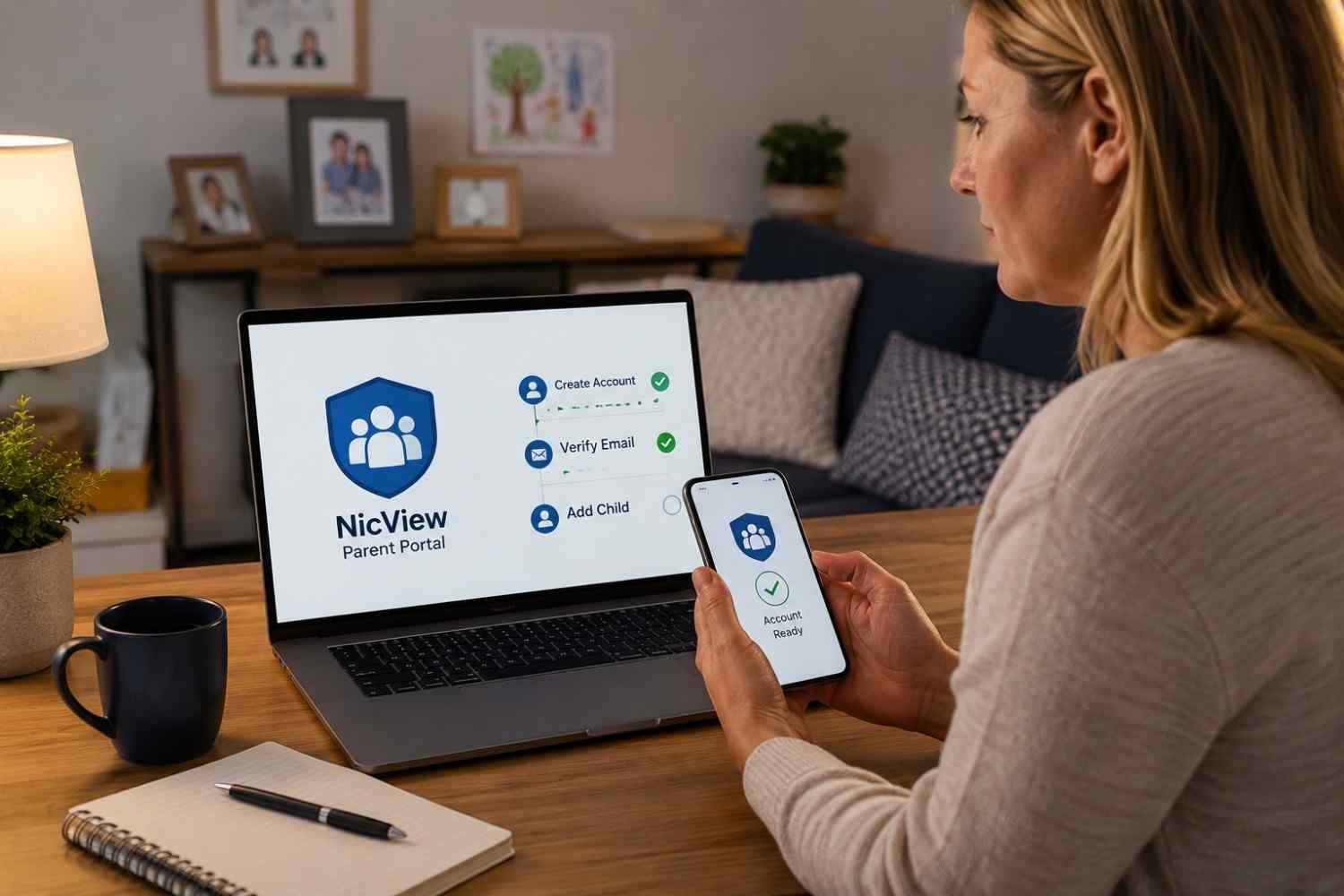
NicView setup happens at a time when parents have plenty on their minds already. I found that the hardest part is often not understanding what the camera does, but figuring out how access works once the NICU team provides the credentials. A clear explanation can make that login feel less intimidating.
I also noticed that NicView is different from setting up a typical home security camera. The hospital handles the camera itself, while the family needs to complete consent, receive login details, and connect through an internet-enabled device. Knowing that distinction prevents unnecessary troubleshooting and sets realistic expectations about what parents can control.
What NicView Setup Actually Involves
NicView lets authorized family members see a live view of a baby in the NICU. The setup starts with the hospital, not with an app download or a camera purchase. After consent is completed, NICU staff arrange access according to the hospital’s procedures.
The camera is managed around the baby’s bed space by the care team. Parents generally do not need to position it, connect equipment, or configure hospital hardware. Their part is about access.
Getting Your NicView Login Credentials
Once consent has been handled, the NICU staff can provide the credentials needed to enter the system. Keep that information private because it is the key to accessing the camera feed associated with your baby’s care.
Families may share the credentials with trusted relatives or close friends when their hospital permits it. This can be useful when grandparents or loved ones cannot visit the NICU, but the login should still be treated as private information.
If the credentials are missing, unclear, or unavailable, contacting the NICU is more useful than trying random passwords. The hospital can explain its process for recovering or reissuing access.
How to Log In and Start Viewing
Once you have the assigned credentials, the basic NicView login and setup process is straightforward.
- Open an internet-connected smartphone, tablet, or computer and access the NicView portal provided by your hospital.
- Enter the username and password exactly as supplied. Watch for extra spaces or capitalization differences.
- Follow any terms, consent, or acknowledgment prompt that appears, particularly on a new device.
- Once access is accepted, the available camera view should load through the browser.
A failed login does not always mean the camera is unavailable. Account credentials, browser behavior, internet connectivity, and camera status are separate issues, so identifying which part is failing can save time.
If the portal opens but the video does not appear, check the internet connection and refresh the page. Trying another browser or device can also help determine whether the problem is local to the original device.
What Happens When the Camera Is Offline?
An offline or unavailable view can be confusing, especially when a parent expects to see the baby. In many NICUs, the camera may be placed into privacy mode while staff provide hands-on care, reposition the infant, perform procedures, or work nearby.
An unavailable feed is therefore not automatically evidence of a broken camera or failed NicView login. Privacy is an intentional part of the system and supports the clinical environment.
NicView is intended for live viewing rather than creating a personal video archive. Hospital information commonly describes the service as a live stream without stored footage or audio. Parents should not expect recordings or playback controls.
Common NicView Login and Streaming Problems
When access fails, start with the simplest possibilities. Confirm that the username and password match the information supplied by the hospital. Then check whether the device is connected to the internet and whether other websites load normally.
Browser issues can interfere with a viewing session. Refreshing the portal, reopening the browser, or trying another device may resolve a temporary problem. If the login works but the camera remains unavailable, consider whether staff may have activated privacy mode.
The NICU may move or disable the camera during care. Hospital camera policies can also determine when the feed is available.
If several devices fail in the same way, or the credentials consistently do not work, contact the hospital or appropriate NicView support channel rather than repeatedly guessing. Do not use the camera feed to assess your baby’s medical condition. Questions about treatment, behavior, or urgent concerns belong with the clinical team.
Making NicView Easier for the Whole Family
Once access works, keeping the process simple matters. Save the login information somewhere private, use a reliable internet connection, and avoid sharing credentials more widely than necessary. If several relatives need access, establish who actually needs it rather than distributing the details broadly.
The video is only one small window into NICU care. A paused or unavailable stream does not tell you what is happening medically. The bedside team remains the source for updates about feeding, treatment, tests, progress, and changes in condition.
FAQs: NicView login and setup: How the Process Works for Parents
1. Do parents install the NicView camera themselves?
No. The NICU or hospital care team handles the camera and its placement. Parents generally complete consent and receive credentials for viewing.
2. Can NicView be viewed on a phone?
Yes. Hospital guidance commonly supports internet-connected smartphones, tablets, and computers for accessing the service through the appropriate portal.
3. Why does my NicView camera say it is offline?
The camera may be in privacy mode during hands-on care or procedures. If the issue continues unexpectedly, check your connection and contact the hospital.
4. Does NicView record the video?
NicView is intended as a live viewing service. Hospital information commonly states that the system does not record or store the video and does not transmit audio.
Staying Connected Without Losing Perspective
The value of NicView is simple: it gives families another way to feel present when physical presence is limited. A reliable login can make it easier to check in during the day, share a quiet moment with someone far away, or feel closer to a baby receiving intensive care. At the same time, the system operates within a hospital environment, where privacy and clinical care come first. Understanding those boundaries makes the experience less frustrating and helps parents recognize when a technical problem is actually normal camera behavior.
The best NicView experience comes from knowing what the system can provide, keeping credentials secure, and letting the NICU team handle everything clinical.