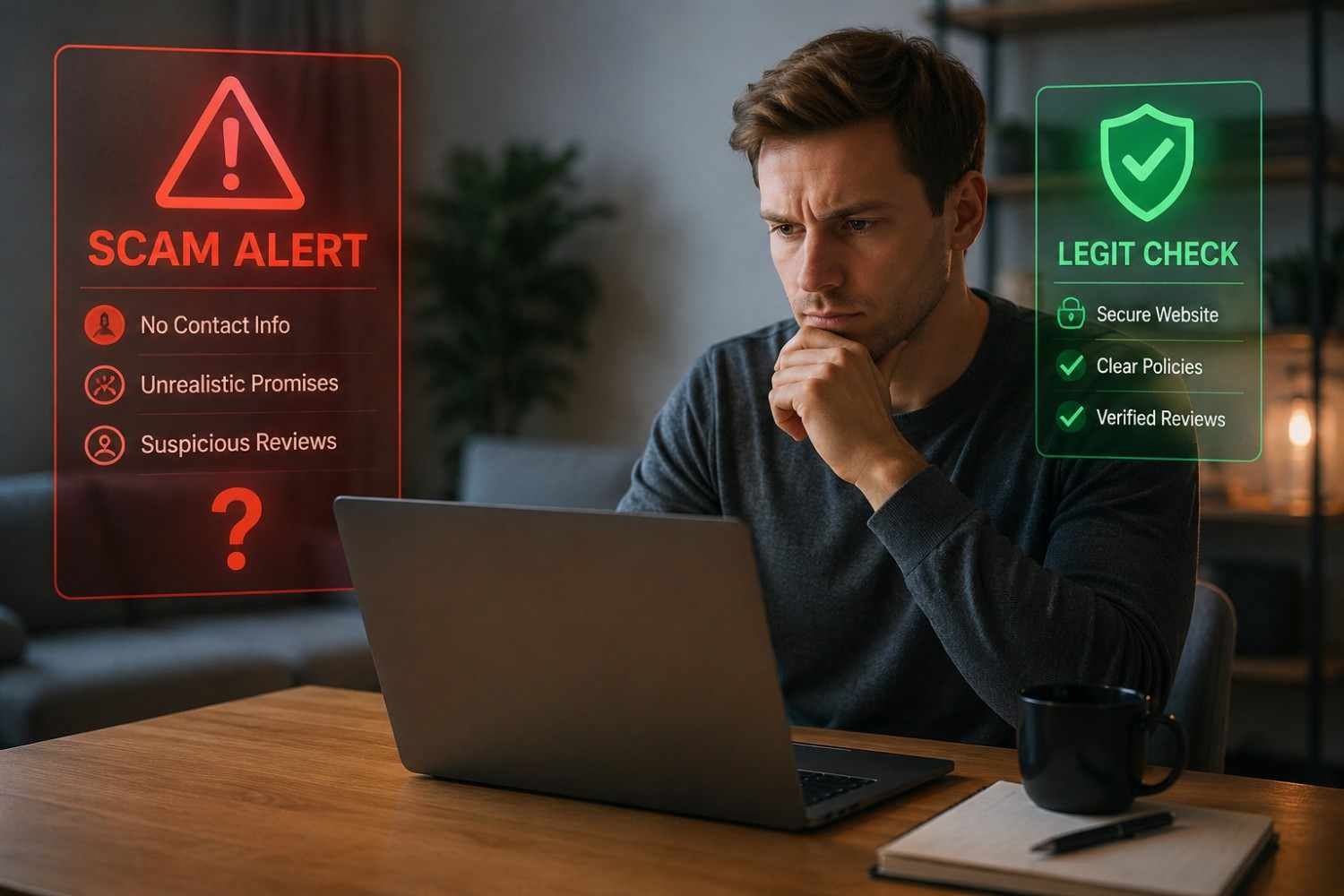
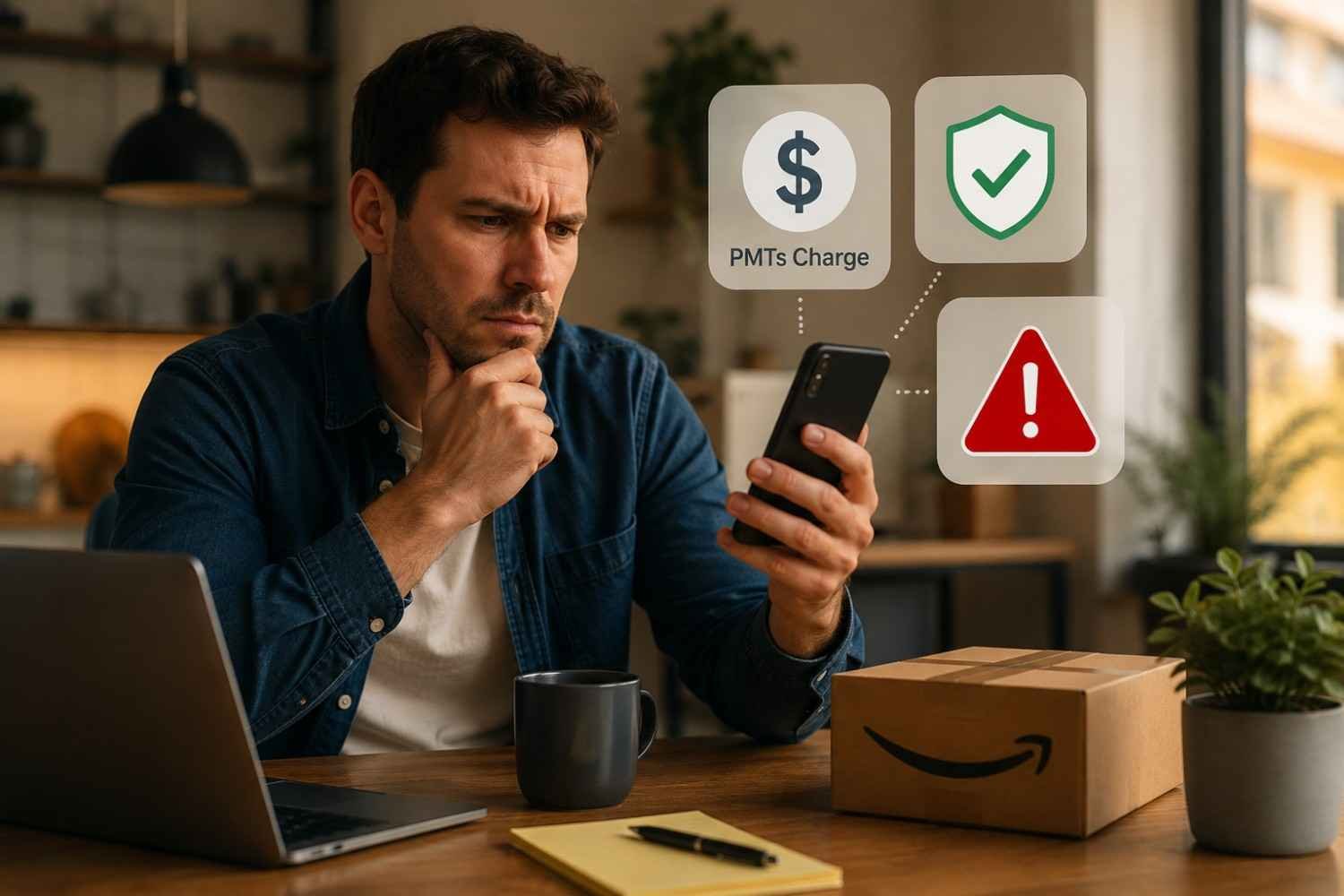
I noticed how easy it is to panic when a bank statement contains a charge that looks nothing like the name of something I bought. “AMAZON MKTPLACE PMTS” has that effect because it is abbreviated and vague enough to make a routine purchase look suspicious.
I’ve also found that the quickest way to understand an unfamiliar Amazon charge is to resist guessing and start with the transaction details. The wording on a statement can describe the payment processor rather than the exact product or order you remember buying. That distinction makes the charge much less mysterious.
What Does Amazon Mktplace PMTS Mean?
“AMAZON MKTPLACE PMTS” is a billing descriptor associated with Amazon-related payments. “MKTPLACE” is shorthand for marketplace, while “PMTS” refers to payments. Amazon says payment transactions can appear on card statements in different forms, including “AMZN.COM/PMTS.” An Amazon response on its seller forum also explains that “AMAZON MKTPL” stands for Amazon Marketplace and can appear for purchases from third-party sellers.
That does not mean every charge with similar wording came from a third-party seller. Amazon Pay can process purchases made on participating outside websites, and AWS says some offerings can also appear as “AMAZON MKTPLACE PMTS AMAZON.COM.” The descriptor tells you Amazon is involved in the payment, but it may not identify the exact purchase by itself.
Is the Amazon Mktplace PMTS charge legitimate?
Usually, yes. If you recently ordered something through Amazon, used Amazon Pay on another participating website, or have another Amazon-related payment, the charge may be completely legitimate.
A legitimate-looking descriptor and a legitimate transaction are not the same thing. Anyone with access to your card, saved payment details, or Amazon account could potentially create an unauthorized transaction. Verify the charge against your records rather than trusting the word Amazon alone.
The amount can create confusion too. Amazon explains that one order may produce multiple charges when items ship separately. A back-ordered purchase can also become visible much later than the day you placed it.
Why an Amazon Charge May Look Unfamiliar
Statement descriptors identify a merchant or payment service within limited space, not necessarily the product you purchased. That is why a familiar order can appear under an abbreviated Amazon payment name.
Several ordinary explanations are worth checking:
- A third-party Marketplace seller fulfilled your order.
- An older or back-ordered purchase was charged when it shipped.
- One order was divided into multiple shipments.
- Another authorized user used the payment method.
- You sent a gift or bought something for someone else.
- An Amazon Pay or AWS purchase used the same card.
Amazon recommends checking your order history and asking authorized users before treating an unfamiliar charge as fraud. AWS customers can also match charges against invoice information in the AWS Billing and Cost Management console.
How to Check the Charge Before Calling Your Bank
Start with the date and exact amount on your bank or credit card statement. Then sign in to Amazon and review your order history around that date. Look beyond recent deliveries because the charge may relate to an older order.
Check whether the amount matches an individual shipment rather than the checkout total. If it still does not make sense, consider household members, gifts, subscriptions, Amazon Pay, and any AWS account connected to the card.
For Amazon Pay, review the Activity tab for the matching transaction. If it cannot be explained, the transaction details provide options for reporting fraud or filing a claim.
When Should You Treat It as Potential Fraud?
Pay closer attention when the charge has no matching Amazon order, Amazon Pay transaction, or connection to another authorized user. Multiple unexplained transactions are a reason to act quickly.
Do not click links in unexpected emails or text messages claiming to explain the charge. Instead, sign in through the official Amazon website or app and inspect your account directly. If your account looks normal but the charge remains unexplained, contact the card issuer using the number on the back of the card.
Your bank or credit card company can review the transaction, block or replace the card when appropriate, and explain the dispute process. Amazon also recommends contacting the issuer promptly when an Amazon Pay transaction appears unauthorized.
What to Do If the Charge Is Not Yours
If you confirm that the Amazon Mktplace Payments charge is not yours, treat it as unauthorized rather than assuming Amazon itself is running a scam. Secure connected accounts and payment methods, change relevant passwords, and enable two-step verification.
For Amazon Pay, the official process allows customers to locate the transaction and report fraud or misuse. If the charge cannot be found there, the card issuer becomes especially important because the bank controls the card dispute and chargeback process.
Keep the statement date, amount, transaction description, and related order information available. Those details can make the investigation easier and separate a genuine Amazon purchase from unauthorized use of your payment information.
FAQs: Amazon Mktplace PMTs Charge: Legitimate Payment or Scam?
1. Is Amazon MKTPLACE PMTS a scam?
Not necessarily. It is generally an Amazon-related billing descriptor. Verify the date and amount against your Amazon activity before assuming fraud.
2. Why does Amazon MKTPLACE PMTS appear on my card?
It can appear when Amazon processes a Marketplace or other Amazon-related payment. Similar descriptors can also occur with Amazon Pay or certain AWS charges.
3. What if I cannot find the charge on Amazon?
Check household users, older orders, split shipments, Amazon Pay activity, and relevant AWS billing. If nothing matches, contact your card issuer and Amazon support.
4. Can I dispute an Amazon MKTPLACE PMTS charge?
Yes, if you determine the transaction was unauthorized. Contact your card issuer promptly and follow its dispute process. For Amazon Pay transactions, Amazon also provides a fraud-reporting process.
A Strange Descriptor Does Not Always Mean a Strange Charge
An unfamiliar billing name can make an ordinary purchase feel like a security incident, especially when the amount is unexpected. The smarter response is to reconcile the details: date, amount, order history, shipment timing, authorized users, and other Amazon services. Most unexplained charges have a traceable explanation, but a familiar merchant name does not guarantee authorization.
The habit is simple: verify first, protect second, and dispute when the evidence calls for it. A few minutes of careful checking can turn “AMAZON MKTPLACE PMTS” from a worrying line on a statement into an understandable transaction.