I first noticed how quickly a simple trip to the restroom can become a classroom-management issue when schools rely on paper passes. A student leaves, the pass gets misplaced, another student asks to go, and suddenly a teacher has little visibility into who is actually out. Digital hall passes solve that basic problem by putting the request, approval, destination, and return into one system.
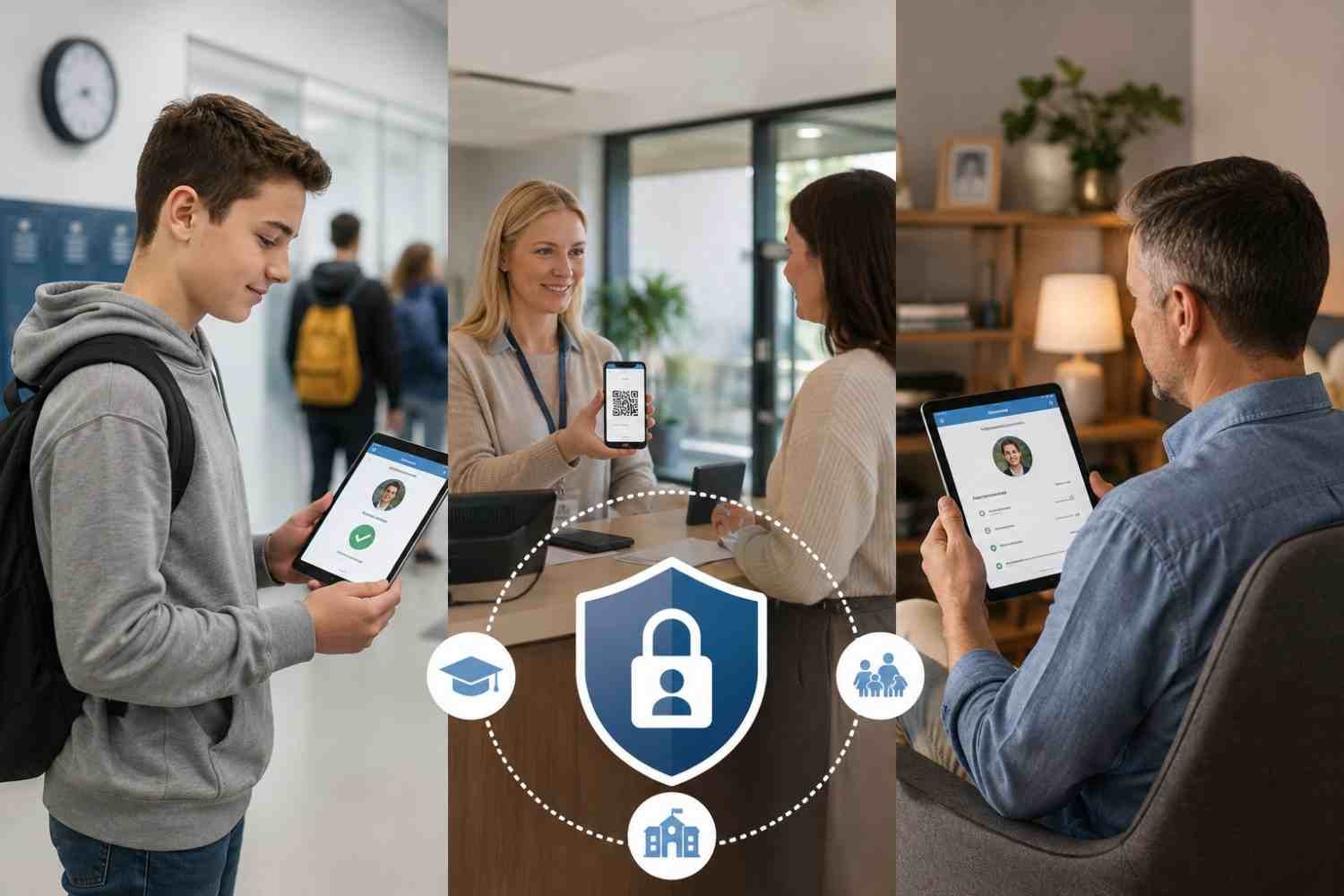
I also found that Securly Pass is easier to understand as a school operations tool rather than simply an electronic hall-pass card. Students use it to request permission, teachers control or approve movement, and administrators gain a broader view of activity across campus. Families may also have questions about what is recorded and whether the system tracks a student’s physical location.
What Is Securly Pass?
Securly Pass is a digital hall pass and campus movement platform designed for K-12 schools. Students can submit a request from a school device, and teachers can approve it. The system records details such as where the student is leaving from, the destination, approval status, and how long the pass remains active.
A teacher can see which students are away, while administrators can use a live dashboard to understand hallway activity.
How Securly Pass Works for Students
A student opens Securly Pass through a browser or available app, chooses the starting location and destination, and submits a request. A teacher can approve it manually or certain passes can start automatically.
A pending request indicates that permission has not yet been granted. Once approved, the student can leave class and keep the pass active while away. When the student returns, an authorized adult can end or confirm the pass.
Students may also encounter rules before a request is approved. A school can limit student-created passes, restrict destinations, prevent multiple active passes, or limit how many students can use a location. If a destination is full, a digital queue can let students wait their turn instead of repeatedly submitting requests.
How Teachers Control the Process
Pass requests can appear on the teacher’s device, allowing approval or denial without relying on a clipboard or a student standing at the door explaining where they need to go.
Teachers can also create passes directly for students. That matters when a student does not have a device or when a teacher needs to send someone somewhere without waiting for a student request. Securly calls this a Proxy Pass. Kiosk options help at locations where students may not have regular devices.
Administrators can establish pass limits, location capacity rules, and contact controls that prevent selected students from being in the halls at the same time. Teacher-created passes can still be used when a student reaches a self-created limit, preserving adult judgment.
What Schools and Administrators Can See
The administrative side is where Securly Pass becomes a campus-management system. A live dashboard can show active passes, destinations, and students currently out of class. During an emergency, that visibility can help staff account for students more quickly.
Schools can also use reports to spot patterns. Frequent trips, heavily used destinations, aging passes, and tardy trends can reveal where a campus may need different procedures. They can then adjust policies accordingly.
The platform can extend beyond hallways. Current Securly materials describe visitor management, tardy management, appointment passes, behavior tools, and district-level reporting as part of the broader Pass offering. That connects related student-movement processes in one place.
Does Securly Pass Track Student Location?
This is an important distinction for families. Securly Pass does not use GPS to continuously follow a student’s physical location. Instead, it records the starting point and destination associated with a pass. The system can tell staff that a student left a classroom for the nurse’s office, but it is not a phone-location tracker showing the student’s movements.
Students therefore do not need to carry a tracking device through the halls. Staff see approved pass information in the system, while students can leave the device behind when appropriate.
What Families Should Know About Privacy
Families generally want useful oversight with reasonable limits on data collection. Securly’s current documentation says Pass uses data-minimization practices, with basic student information such as name, email, role, graduation year, and ID number when applicable. It also describes security measures including encrypted data transfers, authentication controls, and network protections.
Schools can configure the experience differently. Administrators decide which features, limits, destinations, and integrations are enabled. That matters when comparing what one student sees with what another reports.
FAQs: How Securly Pass Works for Students, Schools, and Families
1. Do students need a device to use Securly Pass?
Not always. Students can use a school-configured kiosk or a teacher-issued Proxy Pass when a device is unavailable.
2. Can teachers approve passes themselves?
Yes. Teachers can approve student requests and create passes directly when needed.
3. Does Securly Pass use GPS?
No. It records pass start and destination information rather than continuously tracking physical location with GPS.
4. Can schools limit student pass usage?
Yes. Schools can configure limits based on students, groups, grades, destinations, active passes, and other campus rules.
Why Digital Passes Can Change the School Day
The biggest difference is not that a paper slip becomes a digital record. It is that movement becomes visible, consistent, and easier to manage. A teacher knows who has permission to leave, an administrator can see broader activity, and students encounter the same rules across classrooms. When queues, destination limits, and pass limits are configured thoughtfully, the system can reduce unnecessary hallway traffic without turning every bathroom trip into a disciplinary event.
For families, the useful takeaway is that Securly Pass is primarily about documented school movement, not GPS surveillance. For schools, its value comes from connecting permission, accountability, safety, and reporting in one place. The technology works best when those controls support sensible school policies rather than replacing good judgment.
Small operational changes can have an outsized effect on a school day. A digital pass cannot solve every hallway problem, but it can remove uncertainty from a process that once depended on paper, memory, and whoever happened to be standing nearby.